
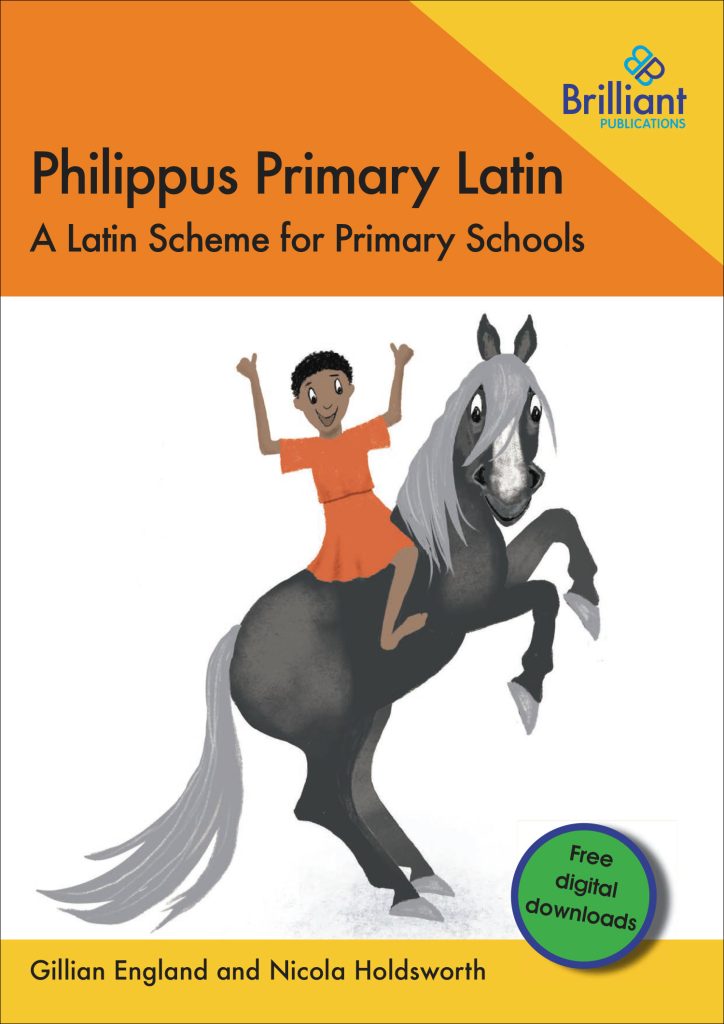
Philippus Primary Latin consists of twelve lessons with ample activities for two or three sessions, depending on time available and the requirements of the class.
The free digital downloads provide all the resources needed to ensure coverage of the curriculum and adaption to suit the learning needs of all pupils.
Vocabulary and grammar are systematically introduced as you progress through the course.
You must purchase the book before you download the free on-line resource material.
To download the file from our web server onto a PC or laptop, select the file to download and enter the password given in this book. Then click ‘Download now!’.
The downloaded zip folder contains one file. You can monitor the progress of the download by either looking at the download window in the top right corner of the screen, or if the window isn’t present, by clicking on the icon (square with downward arrow). On some computers this icon/window will appear in the bottom left hand corner.
The file will normally be saved in the downloads folder on your computer unless you have altered the settings on your computer.
Unzip the folder. Navigate to the downloads folder on your computer. Right click the zipped folder. The decompressed files will appear in a folder called ‘Philippus-Primary-Latin’. You will need a pdf reader such as Adobe Acrobat Reader to use the resources.